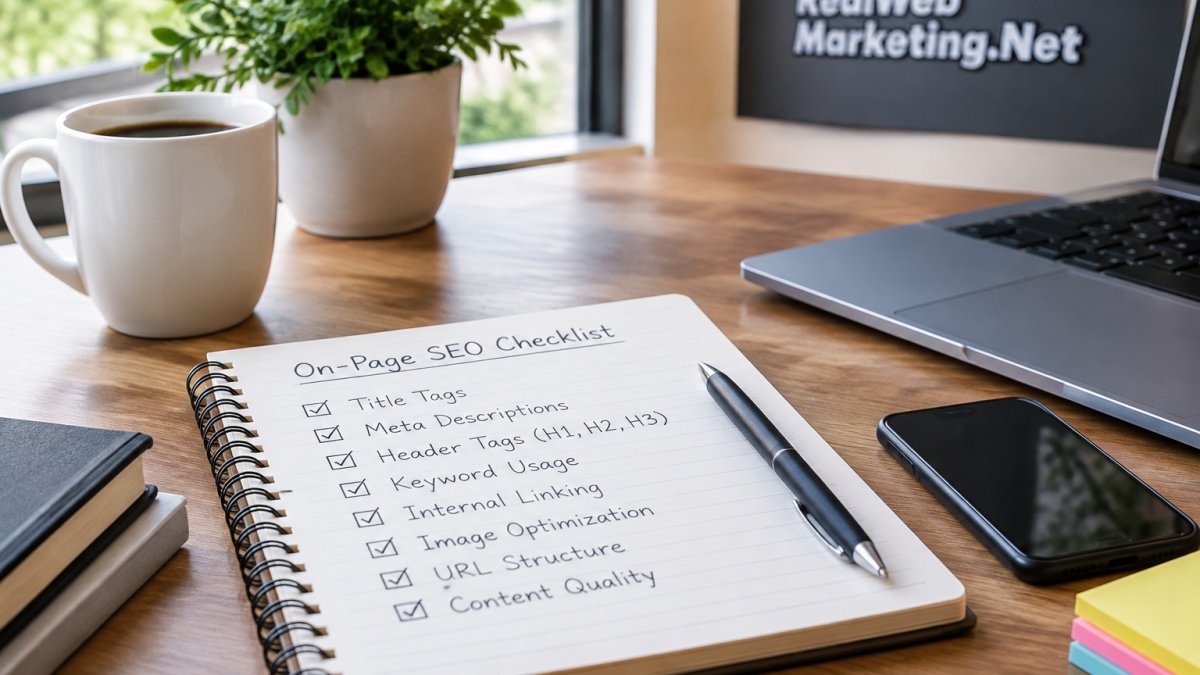
 How-to
How to Improve Website SEO Without Coding
Last Updated: November 7, 2026
Quick Summary
You can improve your website SEO without coding by fixing titles, meta descriptions, headings, body content, image alt text, and internal links inside your content system. Start with your ten most important pages, ranked by the traffic and leads they already produce in Google Search Console, and work top to bottom.
- Titles should be under 60 characters with the main phrase near the front.
- Pages with high impressions but low click-through rate usually have a title or meta description problem.
- Google Search Console and Google Analytics are free tools that show what people search before they find you.
- Compare a four-week window before a change with a four-week window after to reduce noise.
- Redirects, crawl errors, and page speed often sit just out of reach for non-coders.
Table of Contents
- Why Website SEO Still Works Without Touching Code
- The On-Page SEO Checklist That Delivers Most of the Gain
- How to Write SEO-Friendly Content Without an SEO Team
- SEO Tools for Beginners: What to Use and What to Skip
- Your Website SEO Audit Checklist, Run in One Afternoon
- Where Non-Coders Get Stuck and How to Get Unstuck
- Schedule a Free Consultation Before You Change Another Page
- Frequently Asked Questions
Why Website SEO Still Works Without Touching Code
Most website SEO work never requires a single line of code. You can improve titles, headings, content, internal links, and page structure using the tools already built into your site, and these changes often deliver the biggest gains.
Small business owners can often make real progress on their own before ever calling a developer. The catch is knowing which fixes sit within reach and which ones need technical help.
Here is what most guides get wrong: they lump every SEO task into one bucket. In practice, SEO splits into two piles. One pile is on-page work you control. The other pile is technical work that touches how the site is built.
Google's SEO Starter Guide confirms that the basics, like clear titles and helpful content, matter more than advanced tricks for most sites.
What You Can and Cannot Fix Without a Developer
You can handle titles, meta descriptions, headings, body content, image alt text, internal links, and most page speed settings inside your content system. These are the tasks that move rankings for small sites.
You cannot safely fix server errors, redirect chains, broken site architecture, crawl issues, or code-level speed problems without help. Those need someone who understands how the site is built.
If you are unsure whether SEO without a developer is realistic for your site, this guide on doing SEO without a developer walks through exactly what is possible.
The On-Page SEO Checklist That Delivers Most of the Gain
The on-page SEO checklist is the fastest path to better rankings for most small sites, but the order you work through it matters more than the list itself. The difference is knowing which fixes move the needle first when you cannot touch code.
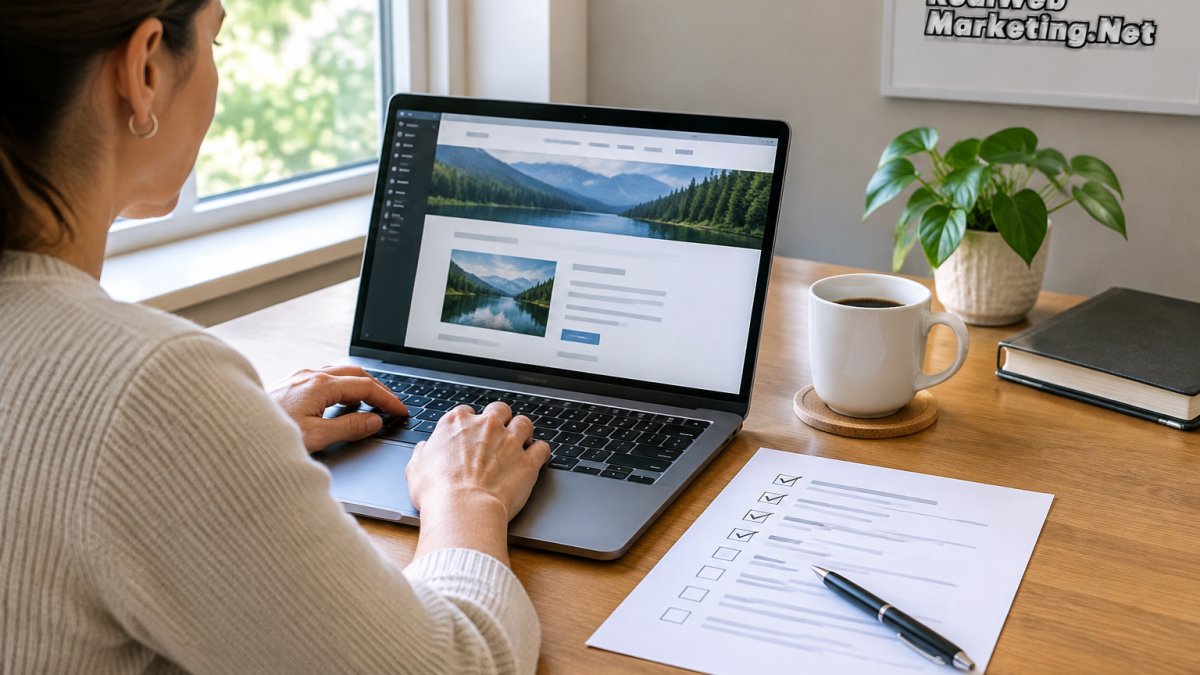
Start with your ten most important pages, ranked by the traffic and leads they already produce in Google Search Console. Work top to bottom, because a fix on a page that already ranks is worth more than a fix on a page nobody visits.
- One clear title tag per page, under 60 characters, with the main phrase near the front
- One meta description that states the page's value and includes a reason to click
- A single H1 heading that matches search intent
- Subheadings that break up long sections and answer sub-questions
- Internal links to related pages on your site, using descriptive anchor text
- Descriptive alt text on every image
- A clear call to action near the top and again near the bottom
Titles, Headings, and Internal Links
Titles and headings tell search engines what each page is about. Write them for people first, then check that your main phrase appears naturally. A common pattern is to draft the title as if it were the only line a searcher sees, because in many results it is.
Internal links spread authority across your site and help visitors find more pages. Link related pages with anchor text that describes the destination, and link from your strongest pages to the pages you want to rank. A handful of well-placed internal links from high-traffic pages can do more than dozens of links from orphan pages.
A common mistake is stuffing the same phrase into every heading. That reads badly and helps no one. Vary your wording and keep it human.
A Non-Coder Prioritization Framework
When you cannot touch code, you need a way to decide which on-page fix to make first. Use three signals from Google Search Console: impressions, average position, and click-through rate. Pages with high impressions but low click-through rate usually have a title or meta description problem, which is a pure content fix.
Change a small batch of titles at once, note the date, and compare click-through rate after a few weeks so you know whether the change helped.
If you are unsure whether SEO without a developer is realistic for your site, this guide on doing SEO without a developer walks through exactly what is possible.
Here is the on-page checklist in the order it should be worked through, starting with your ten most important pages.
| Task | What to do |
|---|---|
| Title tag | One per page, under 60 characters, main phrase near front |
| Meta description | State the page's value and include a reason to click |
| H1 heading | A single H1 that matches search intent |
| Subheadings | Break up long sections and answer sub-questions |
| Internal links | Link related pages using descriptive anchor text |
| Image alt text | Descriptive alt text on every image |
| Call to action | Clear CTA near the top and again near the bottom |
How to Write SEO-Friendly Content Without an SEO Team
Writing SEO-friendly content means answering a real question better than the pages already ranking for it. You do not need a team to do this. You need to know your customer and write clearly.
Pick one topic per page. State the answer early, then add detail. Use short paragraphs and plain words.
Answer the questions your customers actually ask. Pull them from sales calls, emails, and reviews. If a question comes up often, it belongs on the page.
Search engines reward content that satisfies the reader. So write for the person, then tidy the structure.
SEO Tools for Beginners: What to Use and What to Skip
SEO tools for beginners should be simple and affordable. You do not need a paid suite to start. Google Search Console and Google Analytics are free and show you what people search before they find you.
Skip expensive tools until you have outgrown the free ones. A common mistake is buying a big platform before you have enough traffic to justify it.
For a curated shortlist, see our roundup of the best SEO tools for small business owners. It focuses on options that fit a small budget and a non-technical user.
Your Website SEO Audit Checklist, Run in One Afternoon
A website SEO audit checklist helps you spot problems before they cost you leads, but the audit is only useful if you can trust what it tells you. Most guides stop at the checklist. The gap they miss is validation: how a non-coder confirms a finding is real before spending time on it, especially when traffic and conversion volume are low.
Work through these steps in order and record each result in a simple spreadsheet with columns for page, issue, evidence, priority, and date changed.
- Check which pages get traffic in Google Search Console, and note impressions versus clicks
- Find pages with missing or duplicate titles using the Page Indexing report
- Look for broken links and slow pages, and note whether the issue is sitewide or page-specific
- Confirm your key pages load well on a phone using the Mobile Usability report
- Review your top pages for clear calls to action and a single H1
Validating Findings When Data Is Sparse
Low-volume sites produce noisy data, and a single week can mislead you. Comparing a four-week window before a change with a four-week window after, rather than day to day, can reduce noise. If a page gets fewer than a few dozen impressions a week, treat any movement as a signal to investigate, not a conclusion.
For long sales cycles, do not judge an on-page change by closed deals alone. Track intermediate events you can see in Google Analytics, such as form starts, phone clicks, and scroll depth, and use those as early indicators while the sales cycle plays out.
A broken redirect can quietly send visitors to a dead page, and you may not notice for weeks. Check your most-linked pages first, because those losses compound fastest.
Turning the Audit Into a Decision
Rank each finding by two questions: how many visitors it affects, and how confident you are in the evidence. Fix high-impact, high-confidence items first. Park low-confidence items until you have more data, and document them so you do not re-investigate the same issue twice.
If you want a full walkthrough, this step-by-step SEO performance audit guide shows how to run each check and record the results.
Where Non-Coders Get Stuck and How to Get Unstuck
Non-coders usually stall on the same handful of problems. Redirects, crawl errors, and page speed often sit just out of reach.
Watch out: a broken redirect can quietly send visitors to a dead page, and you may not notice for weeks.
When a fix needs code, do not guess. Document the issue, note which page it affects, and hand it to someone technical. For the errors you can diagnose yourself, this workflow for fixing technical SEO errors lays out the order to tackle them.
Schedule a Free Consultation Before You Change Another Page
You can improve a lot of your website SEO on your own, and the checklist above is a solid start. But some fixes need an experienced eye, and one wrong technical change can undo months of progress.
If you would rather have a team that handles the technical side while you focus on your business, Real Web Marketing Inc. can help.
Get started with Real Web Marketing Inc. and see where your site is losing leads before you spend more on ads. Find out what’s holding back your leads and sales.
The challenge is simple: your site has pages that could rank but do not, and you may not know why. A short conversation can show you what to fix first.
Frequently Asked Questions
Can you do SEO without coding?
Yes. Most of the work that moves rankings on a small business site happens in the content management system, not in the code. You can edit page titles, headings, body copy, image alt text, internal links, and URL structure through your CMS. A website SEO audit checklist will show you which of these are missing. The only items that usually need a developer are site speed fixes, structured data, and redirect mapping at scale, and those come after the content work is done.
What are the easiest SEO changes to make on a website?
Start with the pages that already get traffic. Rewrite the page title so it states what the page offers, add one clear H1, break long blocks into H2 sections, and link each service page to two related pages. Then compress oversized images and add descriptive alt text. These steps fall inside any on-page SEO checklist and take an afternoon per page. None of them require code, and each one makes the page easier for both readers and search engines to understand.
How often should I update my website for SEO?
Review your top pages once a quarter and update any that have outdated details, broken links, or thin content. Add new content when you have something specific to say, not on a fixed calendar. A practical rhythm is a monthly check of your website SEO audit checklist for broken links and missing titles, plus a deeper content review every three months. Pages that answer real customer questions and stay current tend to hold their positions better than pages rewritten for the sake of activity.
What free tools can I use to improve website SEO?
Google Search Console and Google Analytics are the two you should set up first, because they show what queries bring people in and where pages lose them. Google's PageSpeed Insights reports load issues, and Google Trends helps you compare topic interest. For keyword ideas, the free tiers of beginner SEO tools cover the basics. Pair these with a written on-page SEO checklist so you act on what the tools show you instead of collecting reports you never use.